Build systems around the work your team actually does.
Most teams do not need another platform. They need cleaner workflows, trusted data, and tools that remove repeated manual effort.
Staff Foundry starts with the break: the slow report, disconnected data, SAP workaround, missing tool, or manual process creating rework.
Then we build the right setup and connect it to the operating layer around it so the system keeps working after launch.
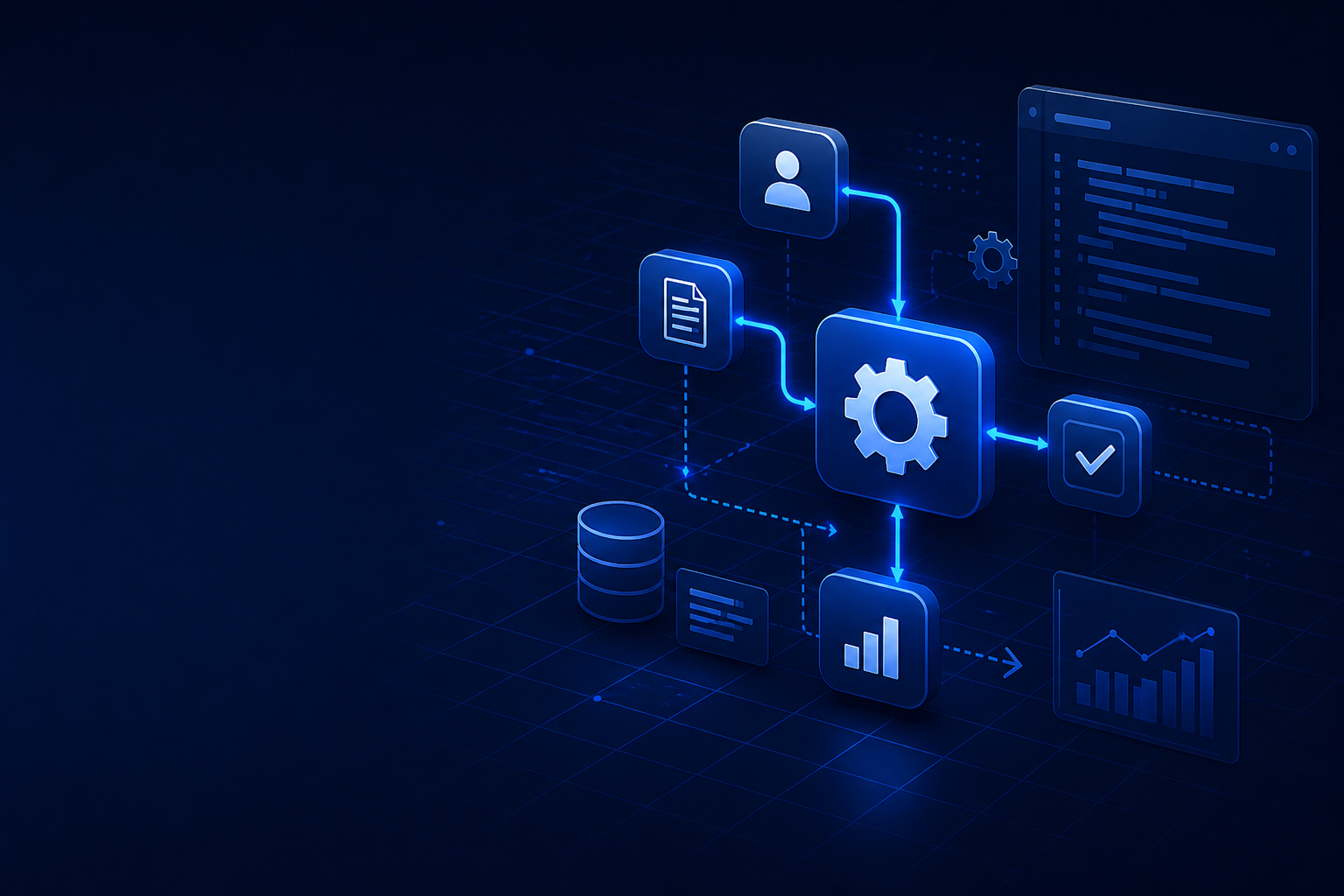
Technology should make the work easier to see, run, and improve.
We look for the handoffs, data checks, approvals, and reporting cycles where better systems can remove repeated effort and give teams cleaner control.
How we find the right build
Good systems start with a clear view of what is broken. We look at:
- Workflow Analysis: where work slows down, repeats, or depends on memory.
- Data Architecture: where information changes, breaks, or loses ownership.
- Integration Strategy: where new builds need to connect to existing tools.
- Operational Support: what must happen after launch to keep the setup useful.
Why this matters
Projects drift when teams start with tools instead of the pain. We prioritize:
- Business Outcomes: less manual work, faster reporting, cleaner handoffs.
- User Adoption: systems that match how people actually work.
- Scalability: workflows that do not break as volume grows.
- Maintenance: setups your team can inspect and improve.
What Clients Get
Problem-Driven Development
We start with the operating problem, not a preferred tool.
Operational Integration
The build fits existing workflows, ownership, and reporting cycles.
Long-Term Partnership
We stay close after launch so issues get fixed and adoption holds.
Practical Choices
We use automation, AI, and custom code only where they solve a clear problem.
How We Move
Find the Break
We map the workflow, data, systems, and pressure points before proposing a fix.
Design the Solution
We design around the operating problem and the systems already in place.
Build & Test
We build iteratively and test with real examples, edge cases, and users.
Launch & Tune
We help the team adopt the setup and tune what still creates friction.
Technology decisions work best when they are grounded in how the business actually runs.
Before we recommend a build, integration, automation, or reporting layer, we study the surrounding operating model. That includes who owns each step, what data enters the process, how decisions are made, which systems are authoritative, and where teams lose time validating work that should already be reliable.
What we look for during assessment
- Work intake: how requests enter the team and how priorities are assigned.
- Data lineage: where information originates, changes, and becomes reportable.
- Decision points: approvals, escalations, exceptions, and quality checks.
- System boundaries: where SAP, spreadsheets, CRMs, databases, and custom tools overlap.
What the output gives you
The result is a practical technology view of the operation: what should be automated, what should stay human-reviewed, where data controls are needed, which integrations matter first, and what can be phased later. This keeps projects focused, measurable, and easier for teams to adopt.
Fix the workflow before it becomes the next reporting fire drill.
A strong setup connects the system, the workflow, and the people responsible for using it every day.